
DEVELOPER QUICK START
KioWare Developer Quick Start
A 15-minute reference guide to create a session, discover capabilities, send idempotent commands and receive KioWare events.
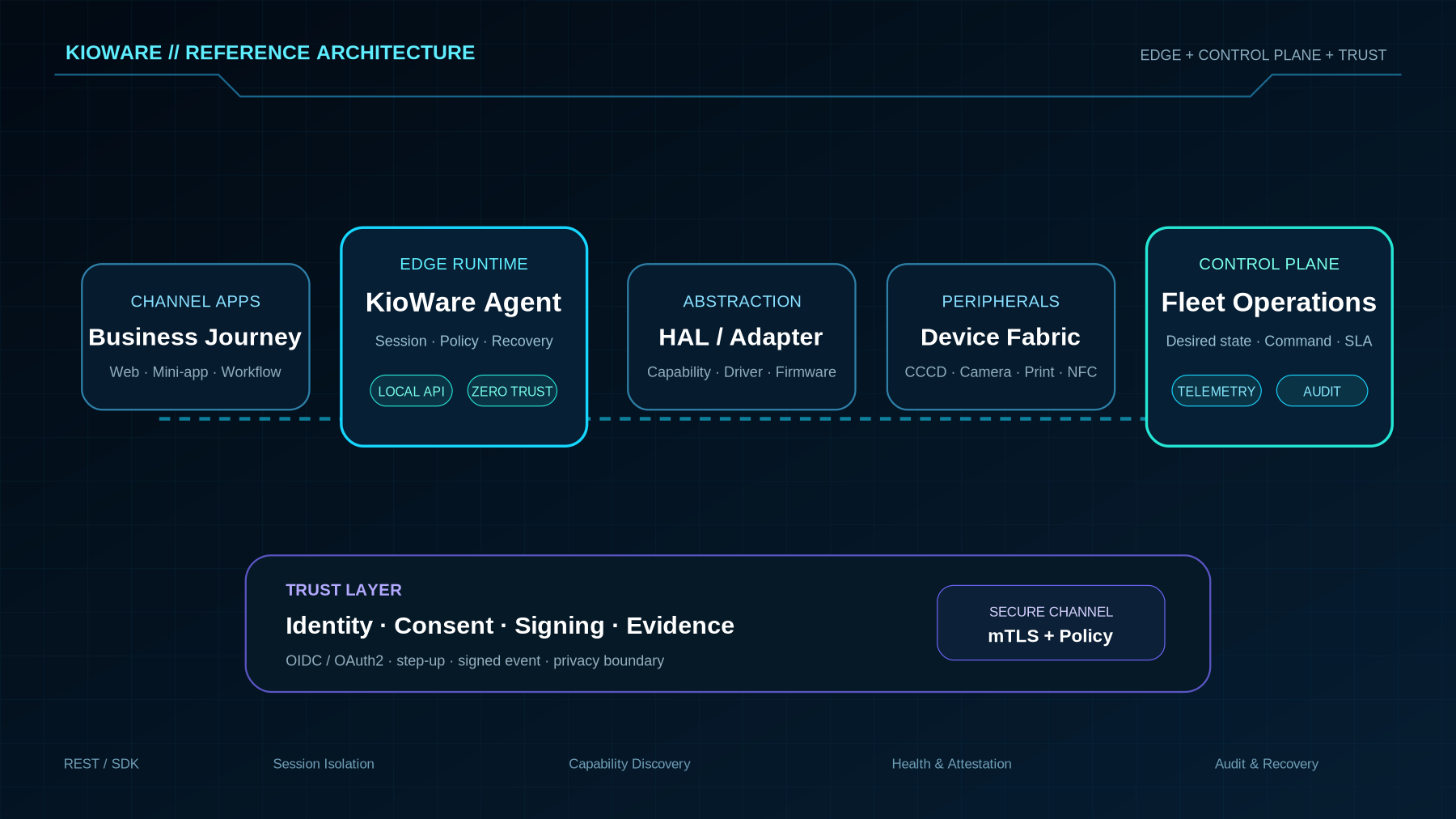
15-MINUTE QUICK START1. Request accessObtain sandbox and app identity. 2. Create a sessionBind Kiosk, app, locale and policy. 3. Discover capabilitiesRead reader, printer and camera state. 4. Send a commandUse timeout and an idempotency key. 5. Receive eventsCorrelate trace and correlation IDs. 6. RevokeEnd the session and verify audit evidence.
Reference-guide objective
Create a test session, inspect device capabilities and send an idempotent command. Endpoints and payloads are previews for architecture discussions, not production credentials.
REQUEST EXAMPLE
Create a test session
bash
curl -X POST https://sandbox.example.internal/v1/sessions \
  -H "Authorization: Bearer $TOKEN" \
  -H "Content-Type: application/json" \
  -H "Idempotency-Key: demo-001" \
  -d '{"kioskId":"KSK-DEMO-01","applicationId":"app-demo","locale":"vi-VN"}'
Do not use the example URL in production. Hosts, authentication, scopes and schemas are issued per project.
SECURITY CHECK
Before moving from sandbox to UAT
- mTLS / token lifecycle / secret storage
- Scope và least privilege
- Timeout, retry và idempotency
- Masking, logging và evidence
- Versioning, rollback và incident contact