INTERFACE EVIDENCE

KioWare interface library

These images are extracted, web-optimized and used directly from the Mobile-ID interface reference package.

VISUAL LIBRARY

Administration portal

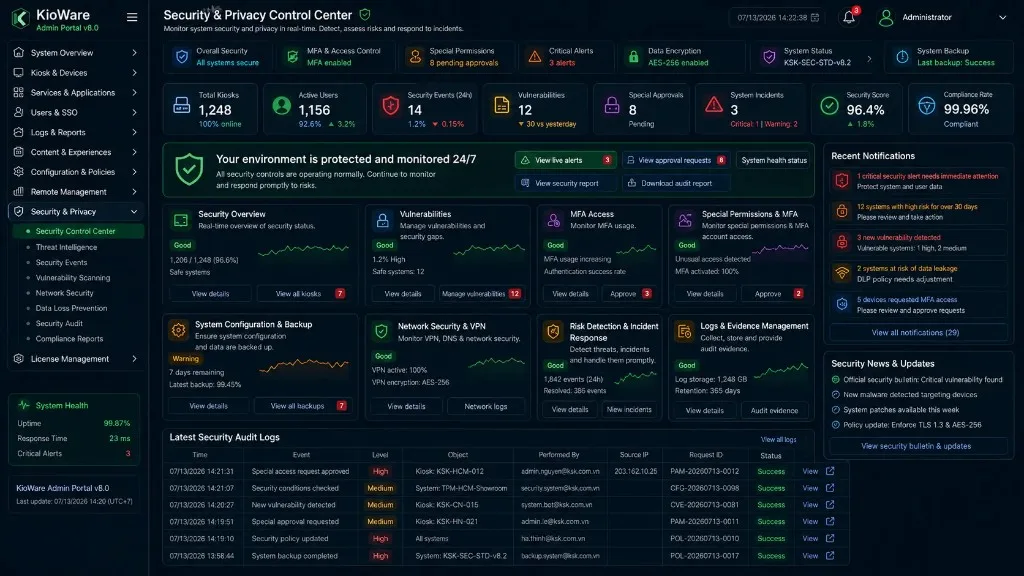
16:9 screens covering fleet monitoring, remote commands, diagnostics, device health and compliance.
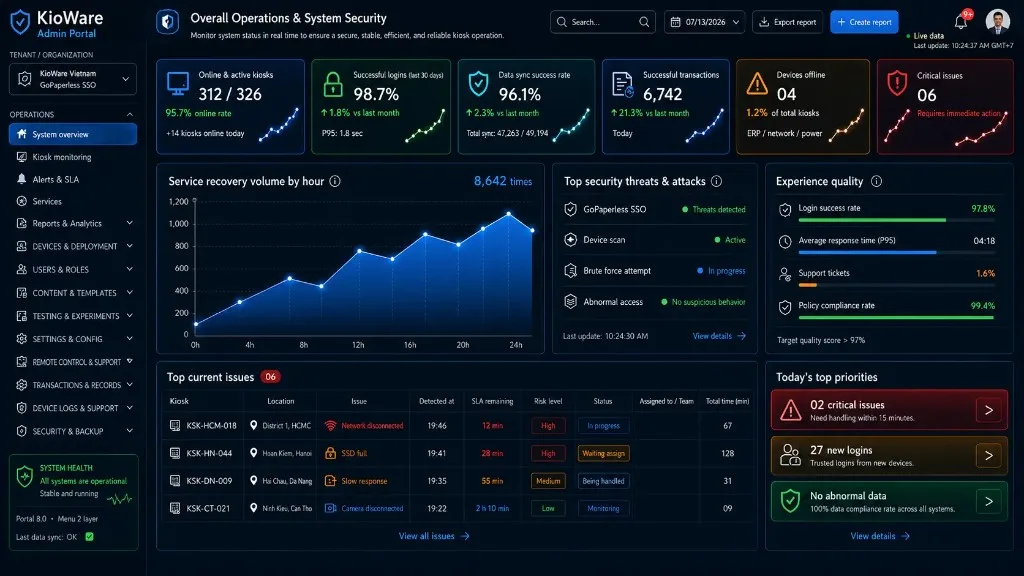
System overview
System overviewOpen high-resolution image
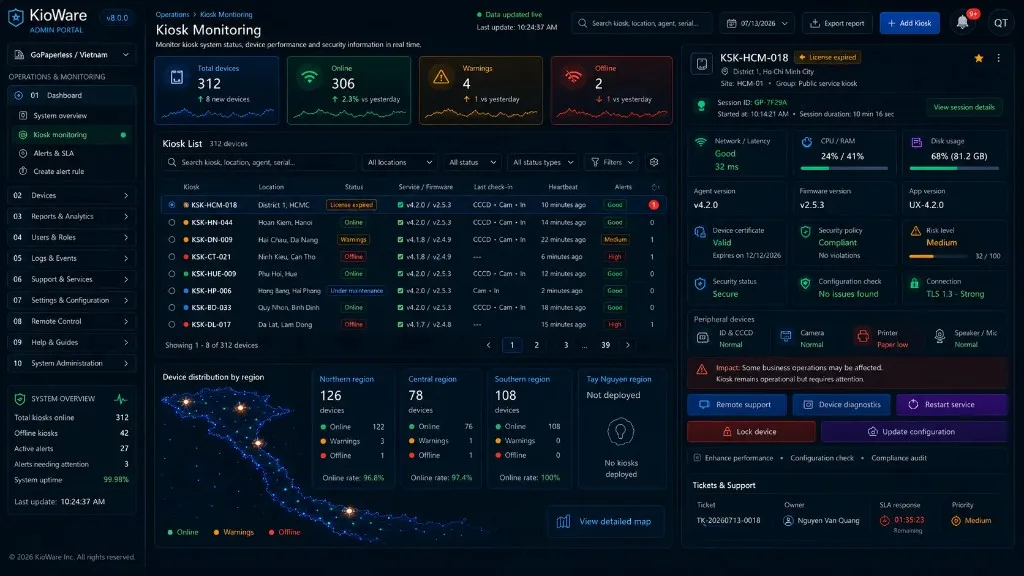
Kiosk monitoring
Kiosk monitoringOpen high-resolution image
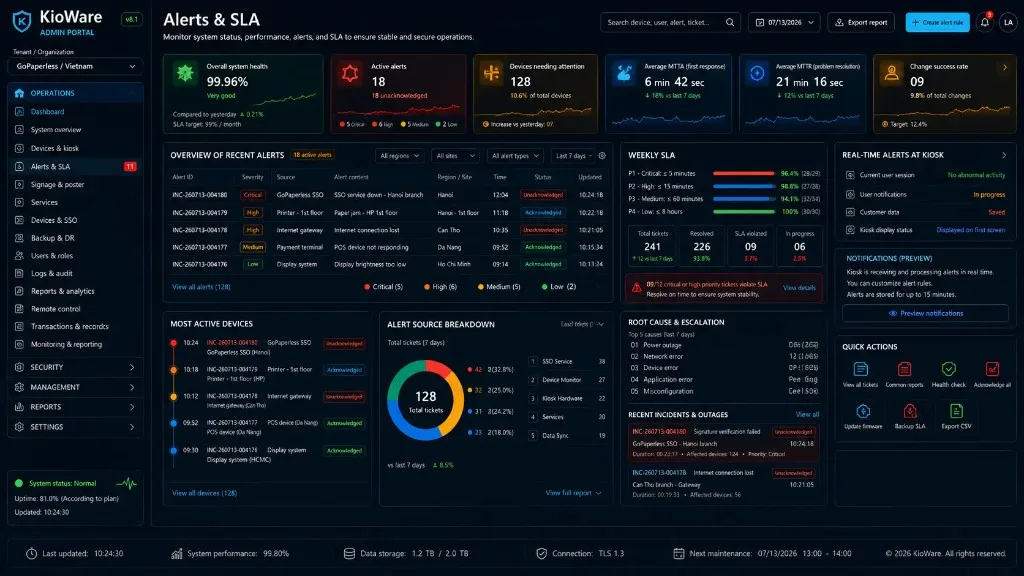
Alerts and SLA
Alerts and SLAOpen high-resolution image
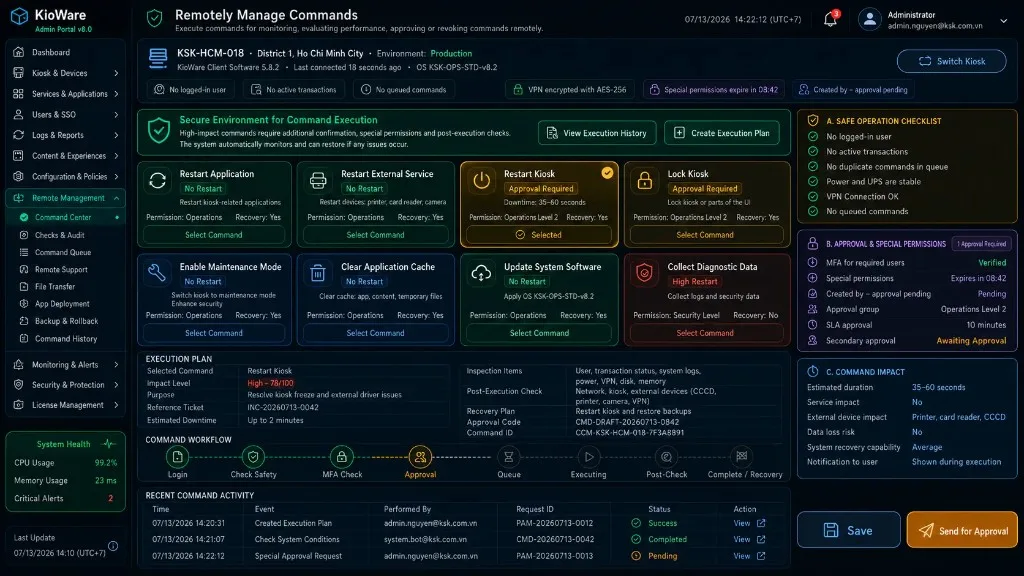
Remote command center
Remote command centerOpen high-resolution image
Remote diagnostics
Remote diagnosticsOpen high-resolution image
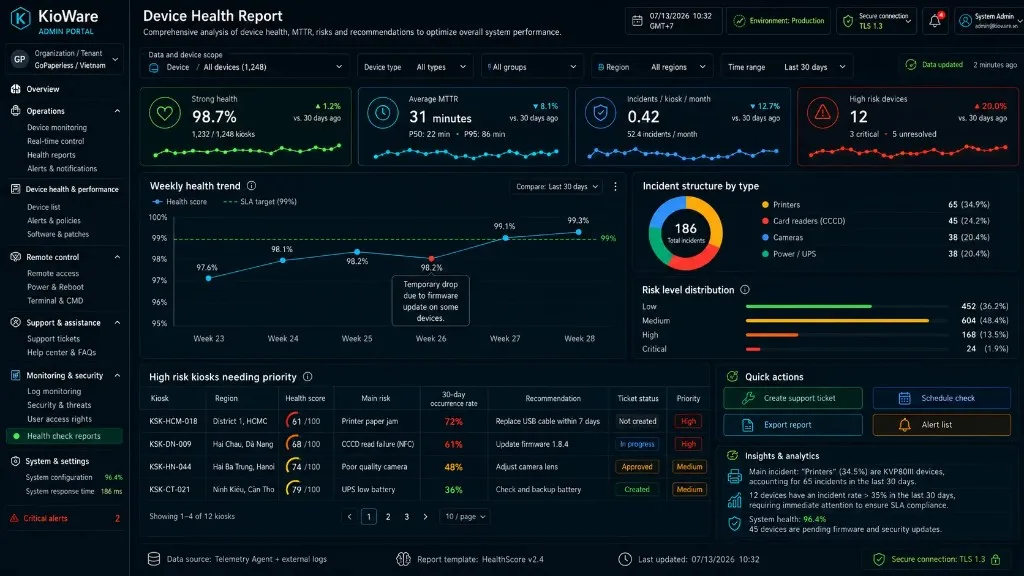
Device health
Device healthOpen high-resolution image
VISUAL LIBRARY

KioWare Client service mode

9:16 technician screens for configuration, testing, verification and device recovery.
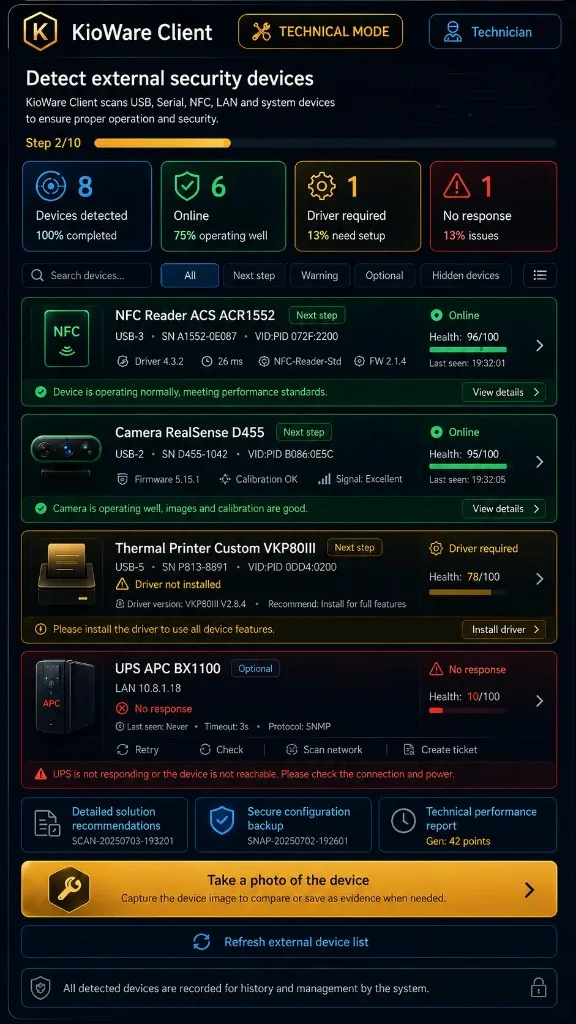
Peripheral detection
Peripheral detectionOpen high-resolution image
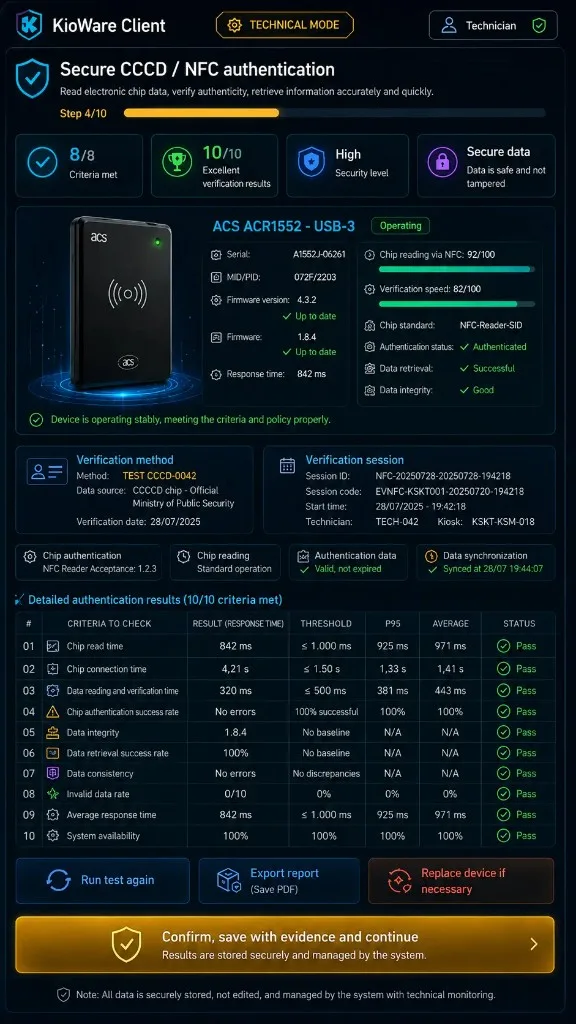
ID card and NFC test
ID card and NFC testOpen high-resolution image
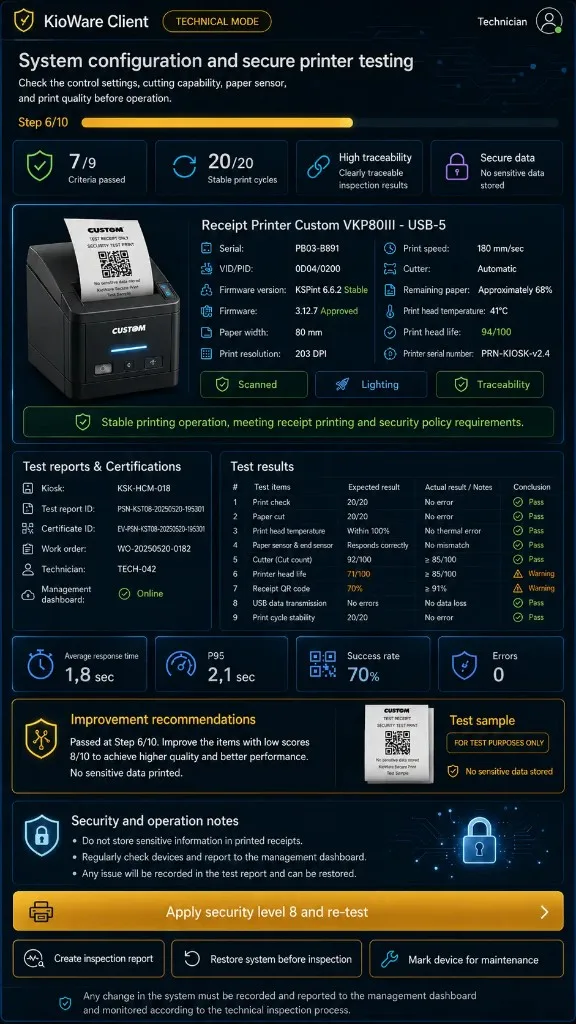
Printer configuration
Printer configurationOpen high-resolution image
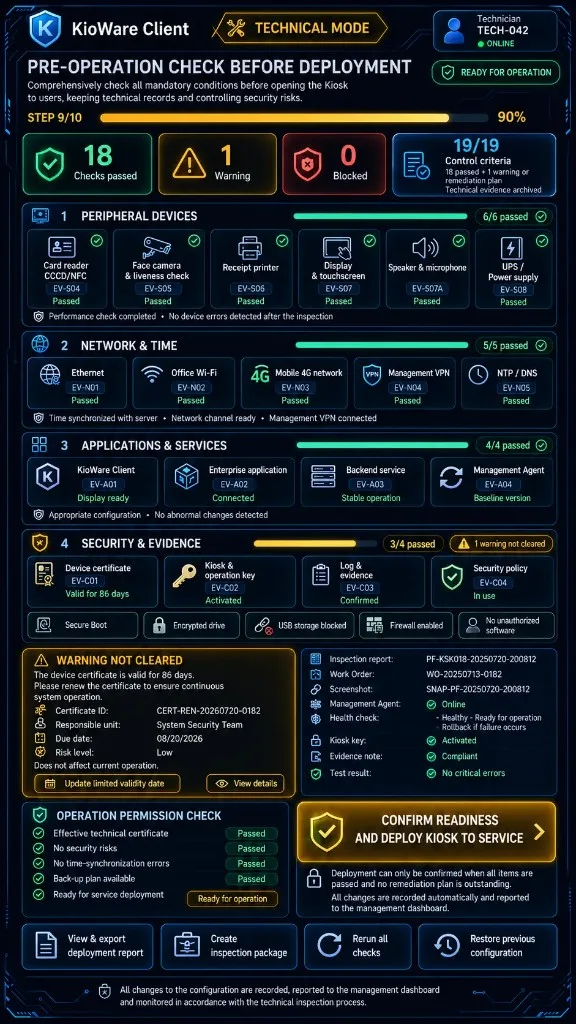
Operational preflight
Operational preflightOpen high-resolution image
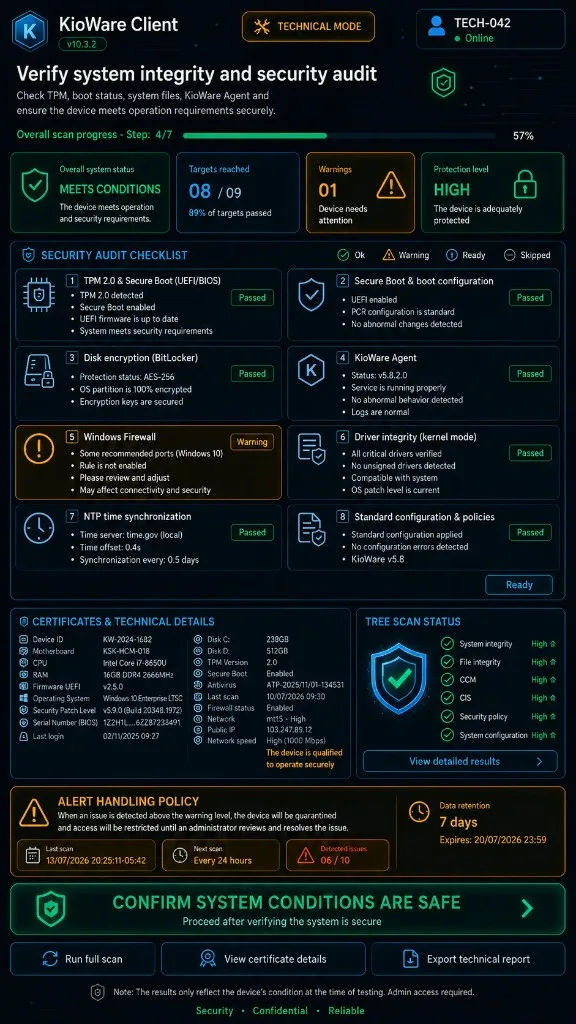
Attestation and compliance
Attestation and complianceOpen high-resolution image
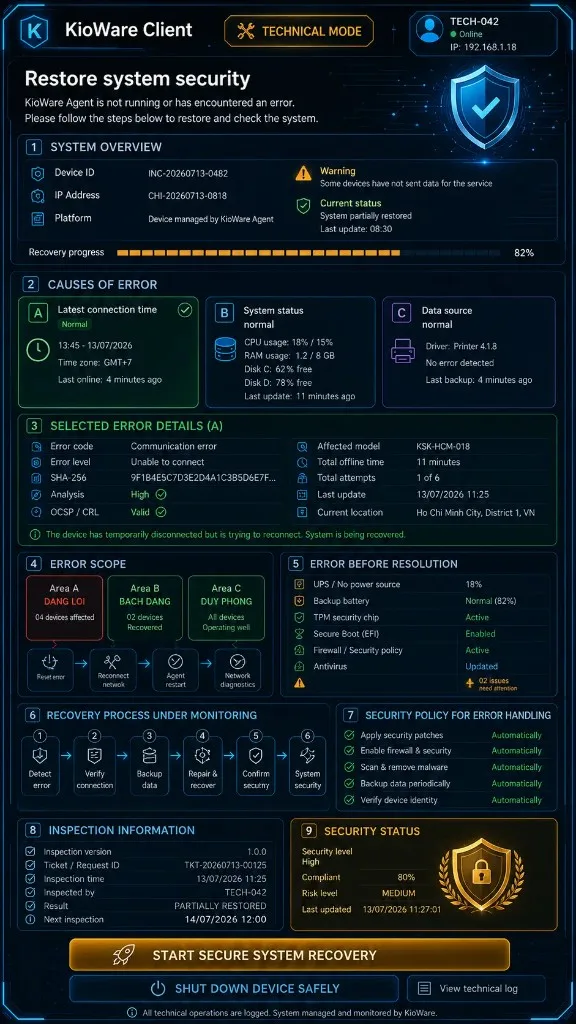
Recovery and golden image
Recovery and golden imageOpen high-resolution image
VISUAL LIBRARY

Kiosk end-user experience

9:16 screens covering identity, consent, sign-in, completion and assisted support.
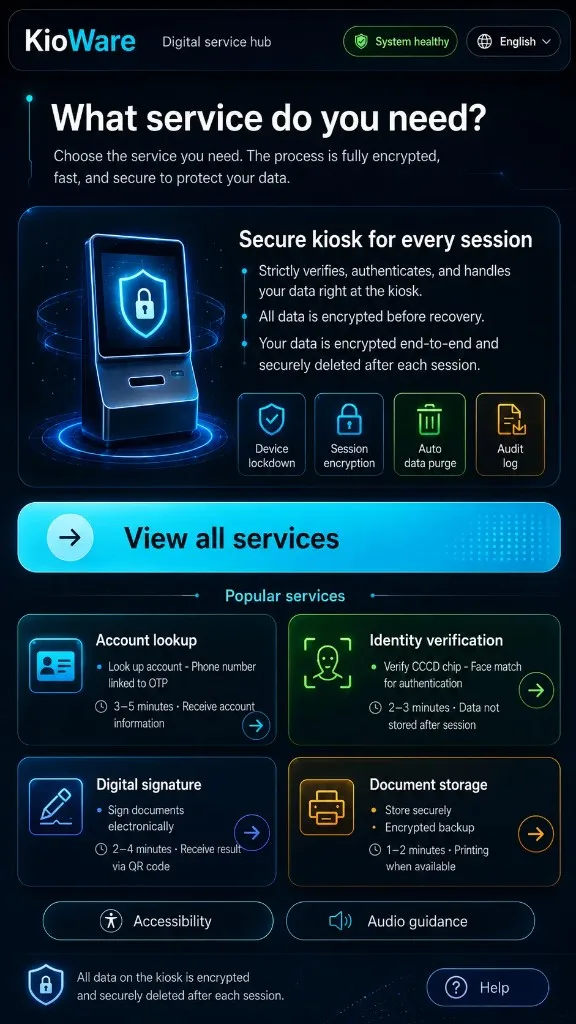
Welcome screen
Welcome screenOpen high-resolution image
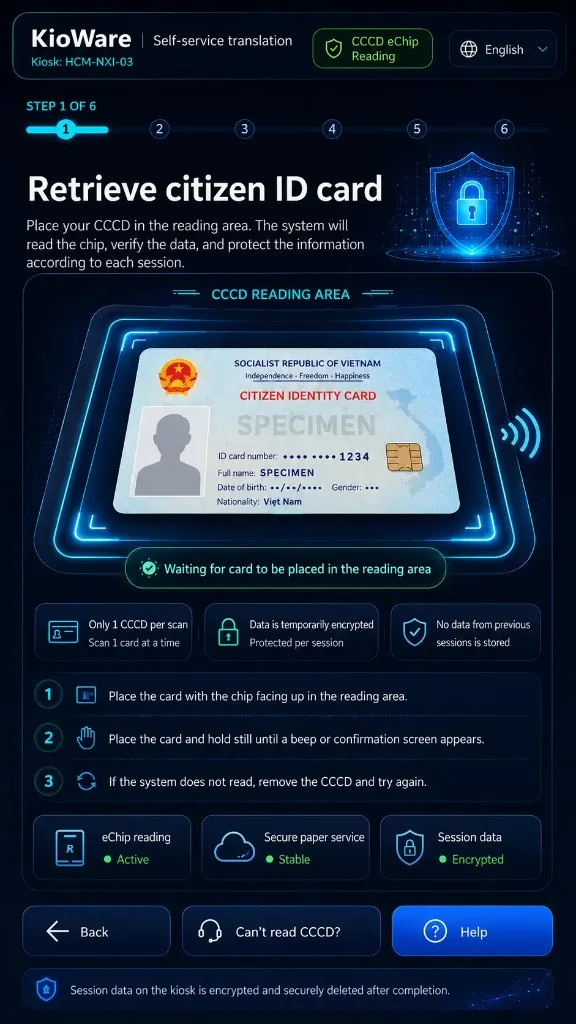
ID card scan
ID card scanOpen high-resolution image
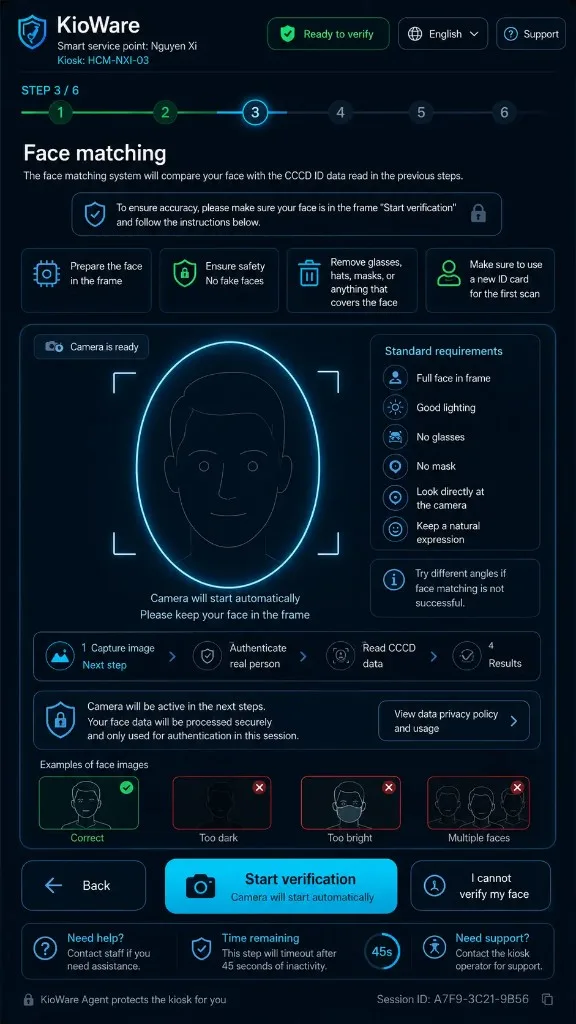
Face verification
Face verificationOpen high-resolution image
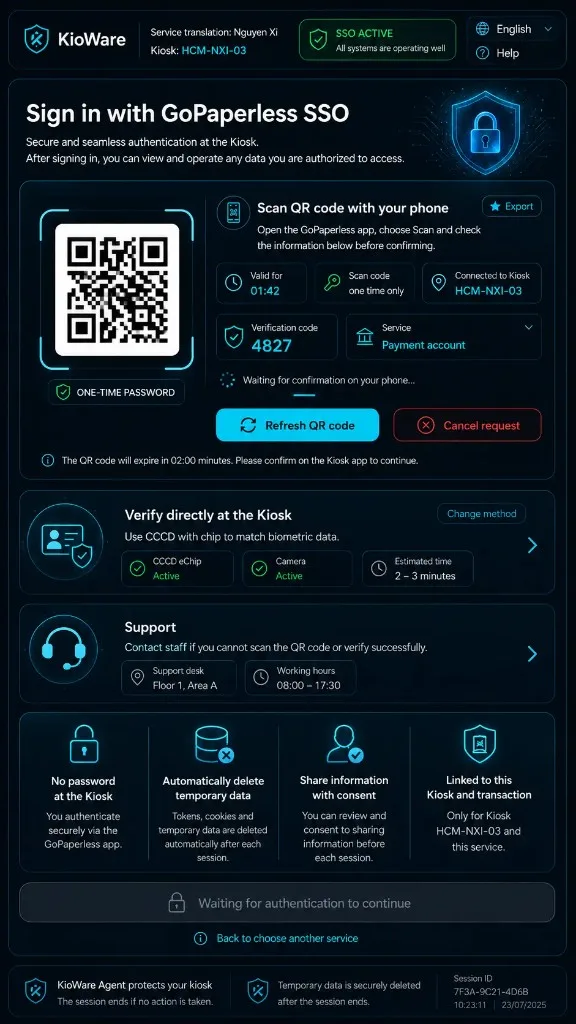
GoPaperless SSO sign-in
GoPaperless SSO sign-inOpen high-resolution image
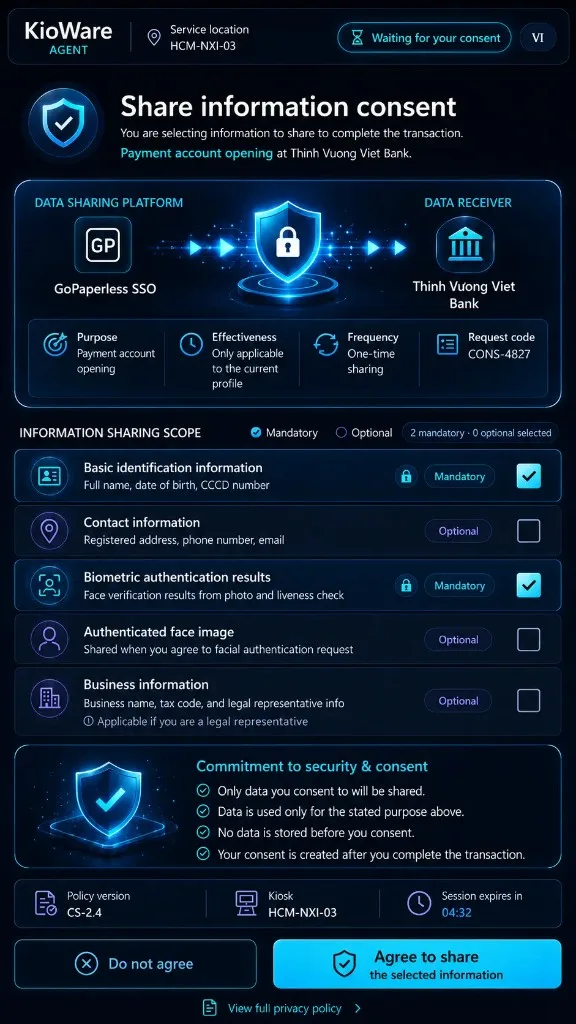
Data sharing consent
Data sharing consentOpen high-resolution image
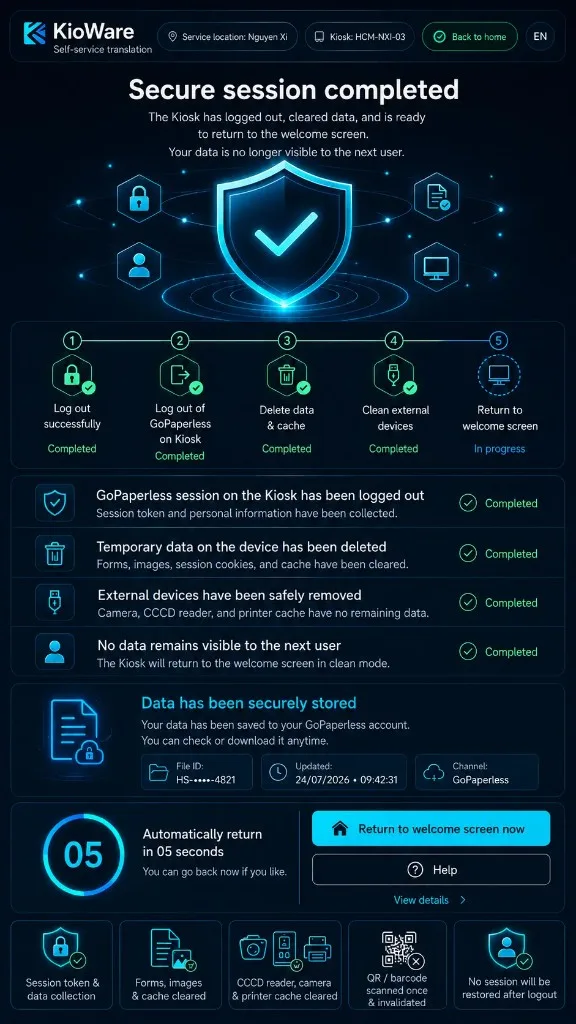
Secure session closure
Secure session closureOpen high-resolution image
POC · UAT · DEPLOYMENT

Select the right interface for each role and operational state

The KioWare team can review end-user journeys, service mode, administration portal and acceptance evidence.